 Mailbird is now available on Mac! Download today and try it for free.
Thunderbird is a free, open-source, cross-platform email client that’s managed by a core staff and a community of volunteer developers. Although the app is already quite robust, there are optional add-ons that you can install to enhance its functionality. So, when it comes to cost-effective email client apps, you can’t go wrong with free—there are no separate paid versions.
Who should use Thunderbird?
Techies and power users who enjoy its highly extensible and a robust set of features and add-ons.
Budget-conscious users who aren’t willing to financially commit to an email app.
Cross-platform users who want a single app experience across multiple computers.
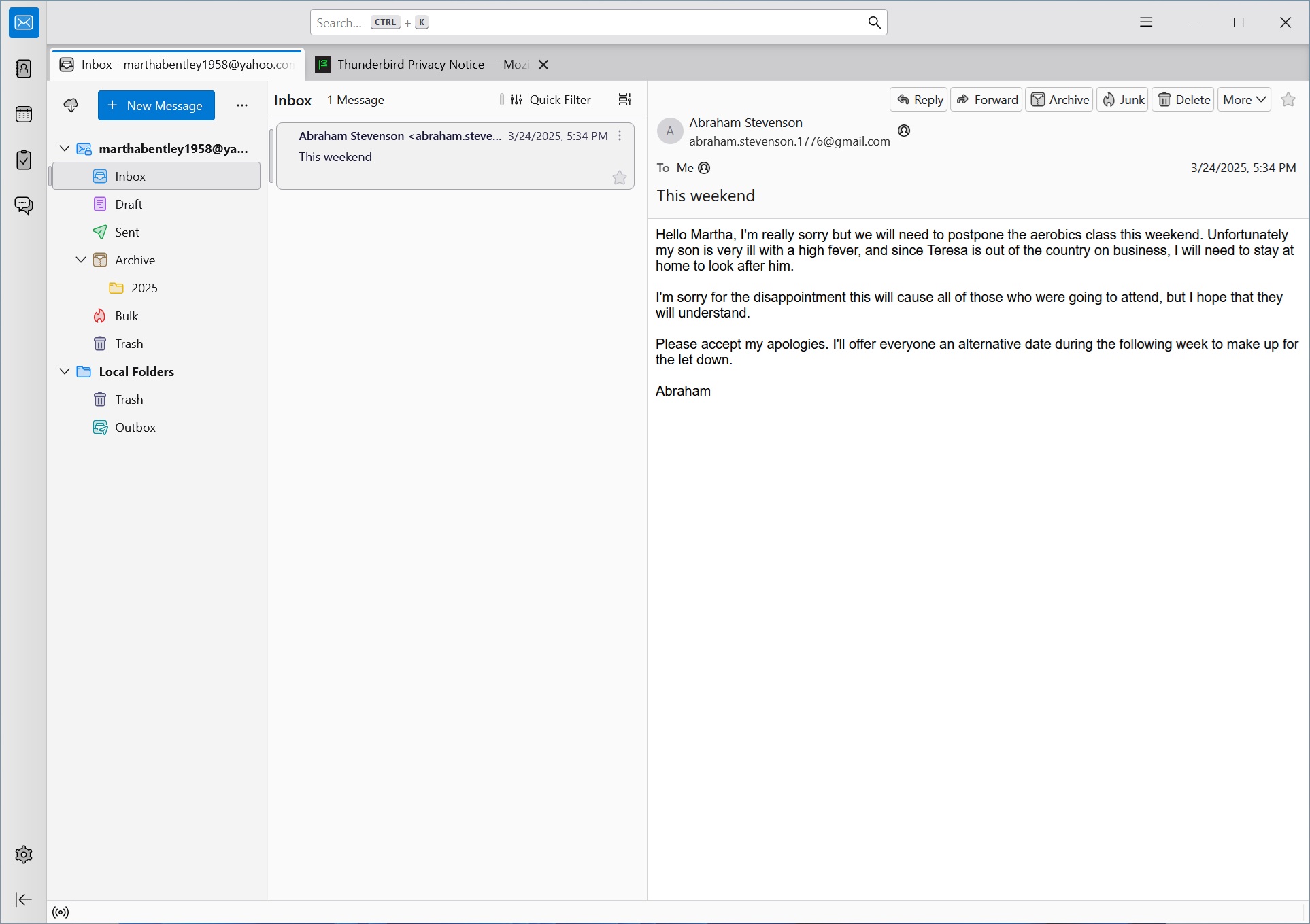 Thunderbird inbox
Advantages of using Thunderbird
100% free: There’s one version and it’s always free, so you have nothing to lose—whether you use it one day or one year.
Customizability: It offers a wide range of customization options through add-ons and themes, allowing you to tailor the interface and functionality to your needs.
Security and privacy: With built-in end-to-end encryption—using industry standards OpenPGP and S/MIME—users don’t need to worry about their email falling into the wrong hands.
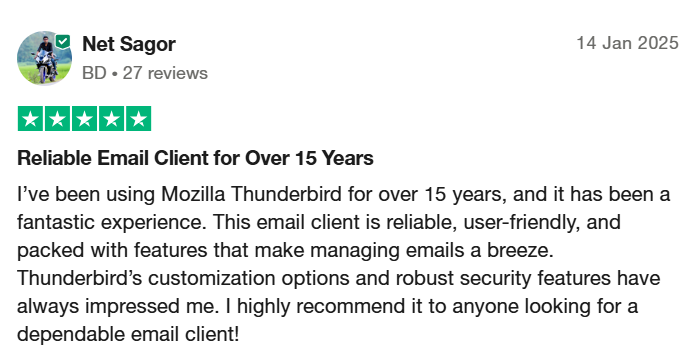 Limitations of Thunderbird
Antiquated interface: If design and user interfaces matter to you, Thunderbird might feel a bit dated compared to modern email design standards and trends.
No live technical support: Support is only available through various community-driven channels, such as a knowledge base and discussion forum.
Time to deliver features and fixes: Since Thunderbird is run as a community-driven and open source initiative (with a relatively small full-time staff), delivering new features and bug fixes might take longer than commercial equivalents.
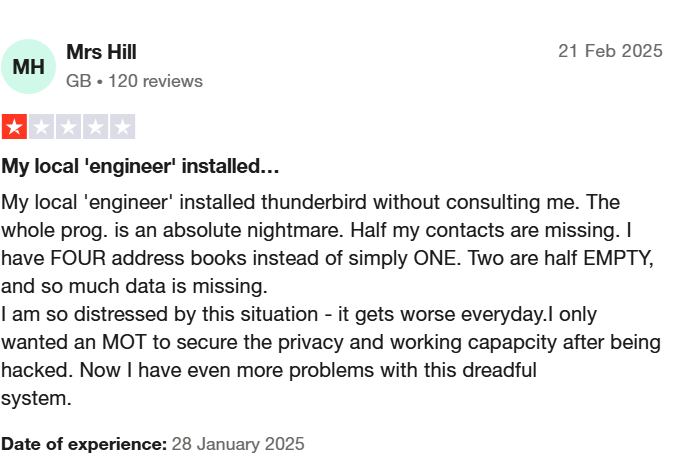 Key features of Thunderbird
Operating system | WindowsmacOSLinuxAndroid |
Versions | Free |
Price(s) |
|
Notable features |
|
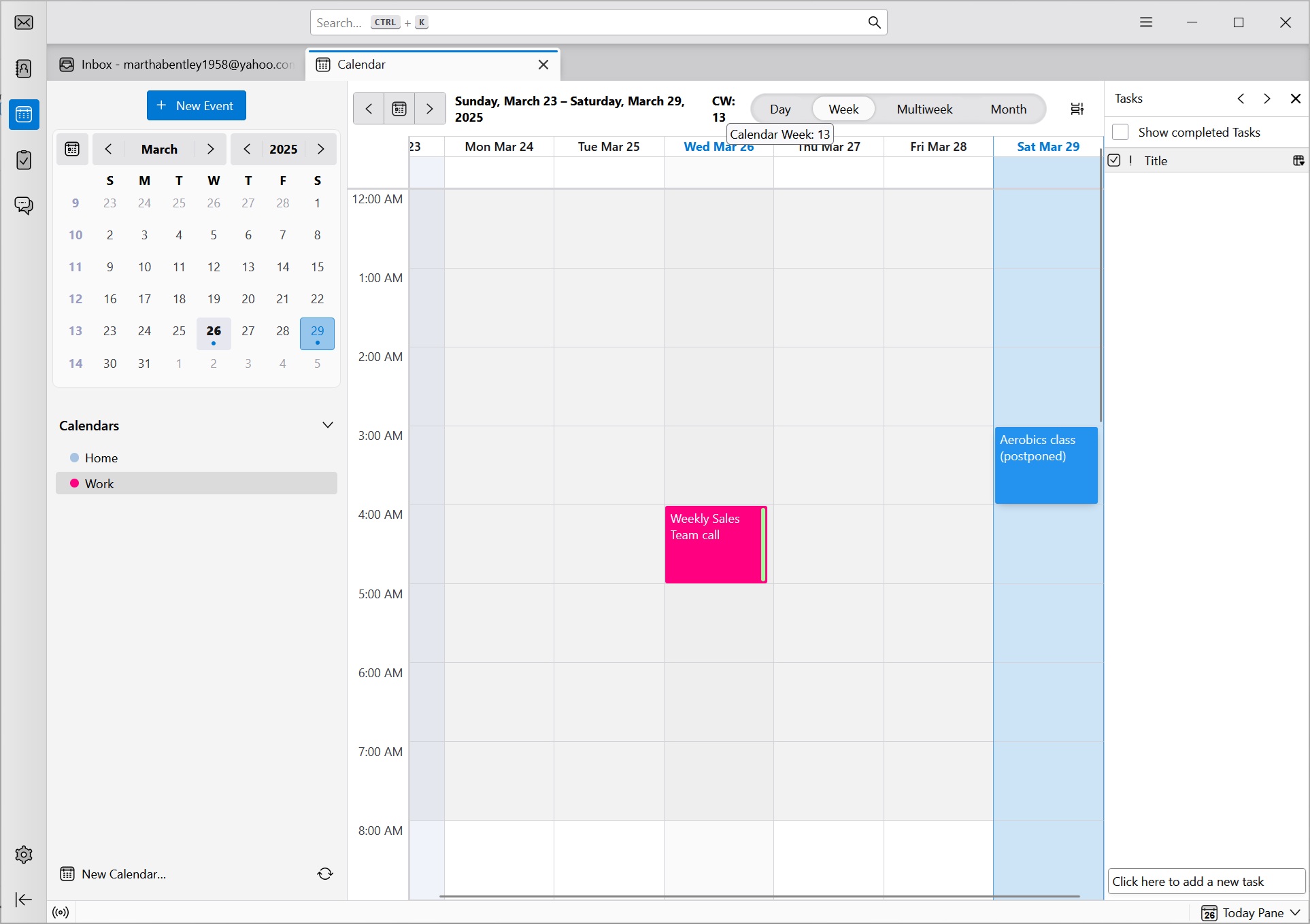 Thunderbird's native calendar
Conclusion
Thunderbird stands out as a versatile and powerful email client that caters to tech-savvy users who value security and want to do more than simply send and receive messages. Although it can be a viable free option for casual and non-technical users, there’s a steeper learning curve compared to other similar (arguably more intuitive) email clients. It’s free to download and use, so there’s no risk in trying it out.