 Mailbird is now available on Mac! Download today and try it for free.
Kiwi for Gmail lets you take the Gmail and Google Workspace experience out of the browser and onto your desktop. Whether you’re using a PC or a Mac, Kiwi can transform Gmail into a standalone desktop application and save you from having to juggle multiple browser tabs.
Who should use Kiwi for Gmail?
Heavy users of the Google ecosystem who want the web-based Gmail and Workspace experience as a desktop application.
Users with multiple Gmail accounts who don’t want to constantly log in and out of each account.
Productivity-focused users who want to manage their email and Google documents within the same workspace.
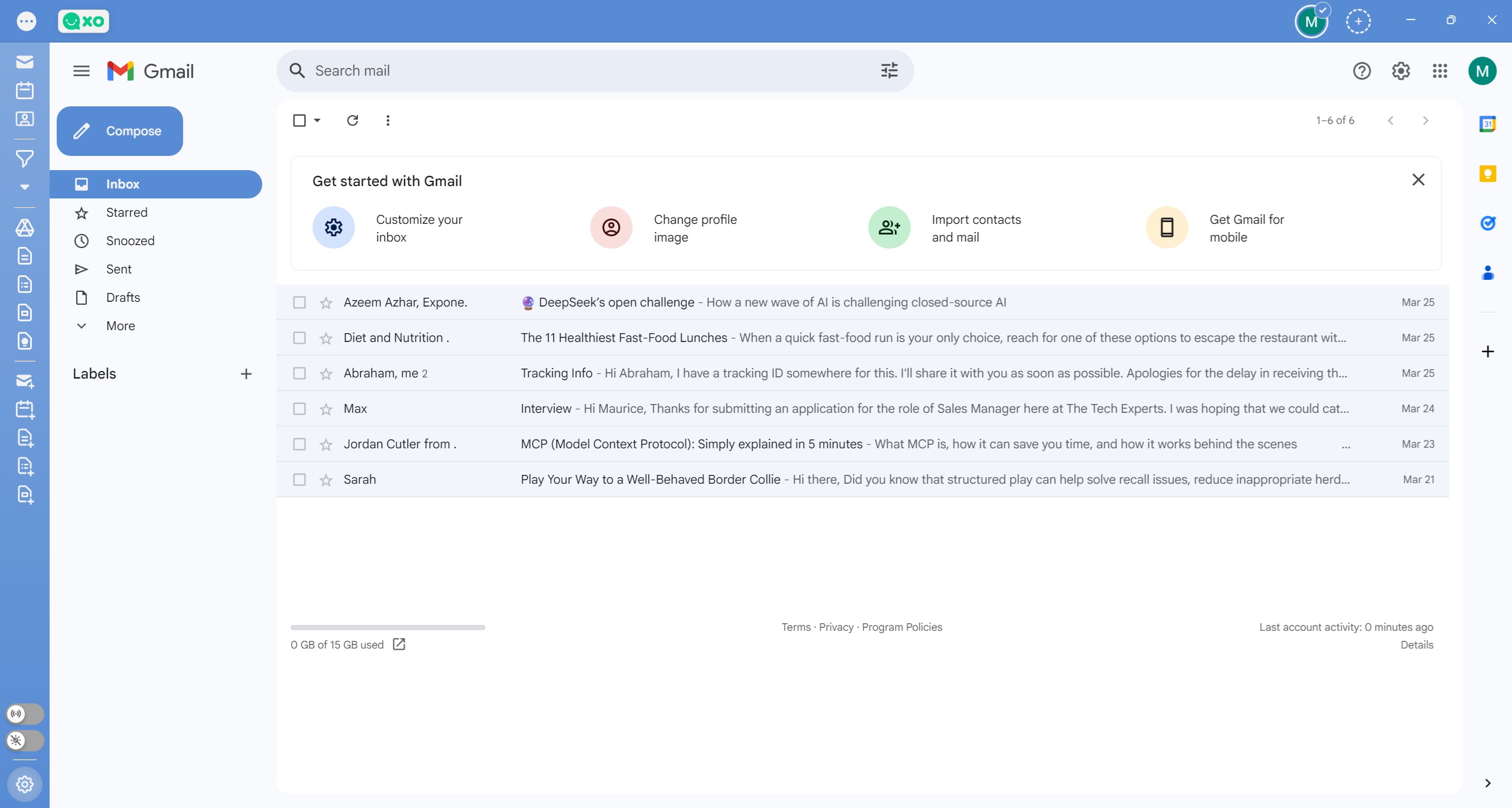 Kiwi for Gmail inbox
Advantages of using Kiwi for Gmail
Standalone desktop experience: Having Gmail and other Workspace apps within the same interface eliminates the need to keep multiple browser tabs open.
Integration with Google Workspace: Provides full access to Gmail, Google Docs, Slides, Sheets, Calendar, and Keep.
Simplified multi-account management: Manage multiple Gmail accounts in one application, and switch between all of them without having to repeatedly log in and out of accounts.
Limitations of Kiwi for Gmail
No cross-account search: You can’t search across all your mailboxes at once. So unless you know exactly which account your email is in, you’ll have to search each account individually.
Limited offline functionality: Kiwi offers very basic access when offline.
Performance issues: Users complain that Kiwi takes up too much computing resources, doesn’t always load or render attachments properly, and lags when starting up.
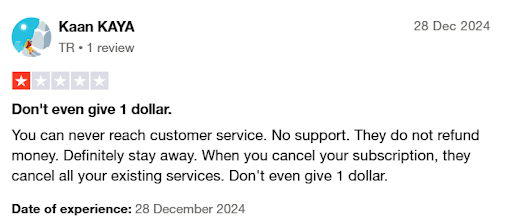 Key features of Kiwi for Gmail
Operating system | WindowsmacOS |
Versions | Starter Pro Power Pro Kiwi for Teams |
Price(s) |
|
Notable features |
|
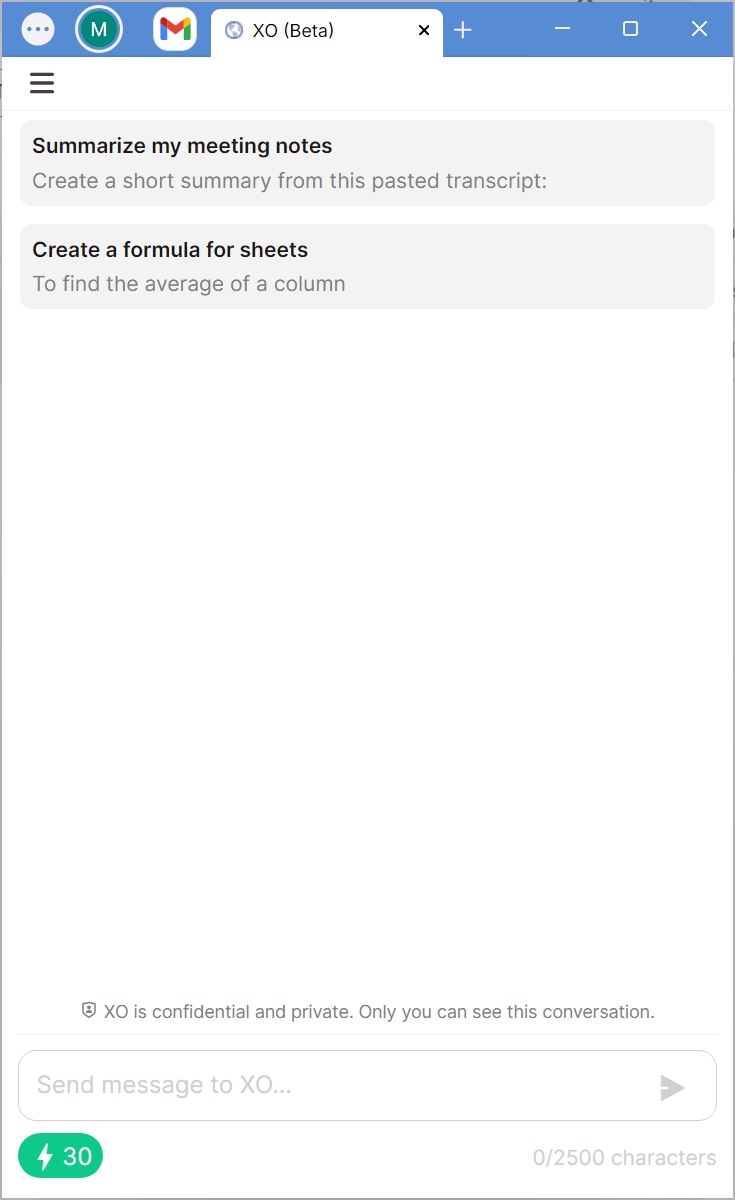 Kiwi for Gmail's "XO" AI companion
Conclusion
If you rely on the Google ecosystem but aren’t a huge fan of all those browser tabs, Kiwi could be the solution you’ve been looking for. It lets you experience Gmail and your favorite Google Workspace productivity apps as though they were standalone PC or Mac desktop apps, giving you a new and more efficient way to interact with your Google tools.