 Mailbird is now available on Mac! Download today and try it for free.
Outlook for Windows is a new email client and personal information manager that replaces the defunct Windows Mail and Calendar apps (which are no longer supported by Microsoft). This default email client app is included in most newer Windows 11 PCs shipped in 2024 and features tight integration with Microsoft 365 apps, AI tools, and a fresh design.
Who should use Outlook for Windows?
Professional users ingrained in the Microsoft ecosystem and want a seamless experience across all their Microsoft-based communications and productivity tools.
Casual email users who don’t want to buy or install anything new, and prefer to use what’s already included on their PC.
Personal and student users who need fundamental email and information management tools.
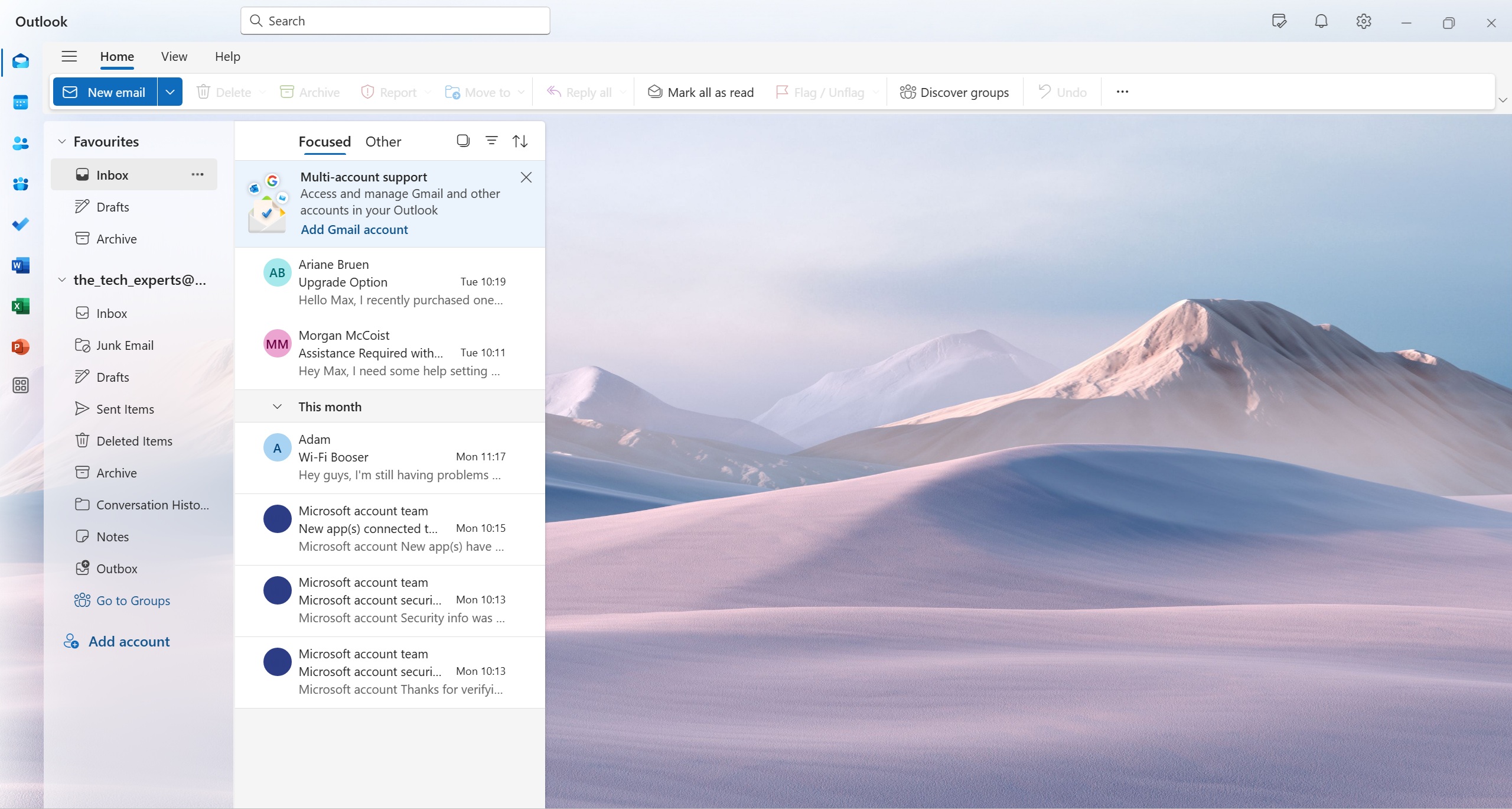 Outlook for Windows inbox
Advantages of using Outlook for Windows
Integration with Microsoft 365: Seamless integration with other Microsoft productivity and communications apps.
Great for teams: Users can share information and collaborate on projects through Microsoft 365’s suite of apps.
Established pedigree: Outlook has been used by personal and professional users for close to 30 years.
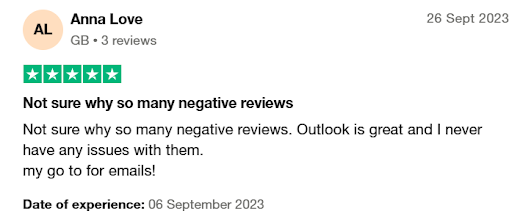 Limitations of Outlook for Windows
No support for multiple profiles: Although available in the “classic” version of Outlook, the new Outlook for Windows doesn’t allow you to create multiple Outlook profiles.
Missing features: Some users complain that the new Outlook for Windows is missing features that are available in the “classic” version of Outlook—especially some corporate features.
Limited search folder options: Only basic preset filters are available (e.g., unread or flagged emails), which can be a problem for users who store their messages in multiple folders.
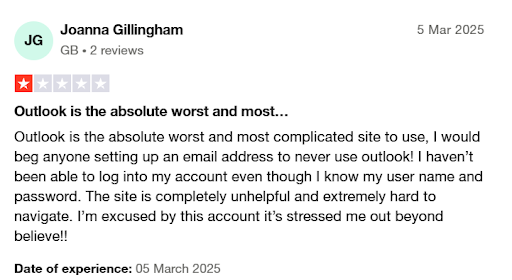 Key features of Outlook for Windows
Operating system | Windows |
Versions | Outlook Free Microsoft 365 Basic Microsoft 365 Personal Microsoft 365 Family |
Price(s) |
|
Notable features |
|
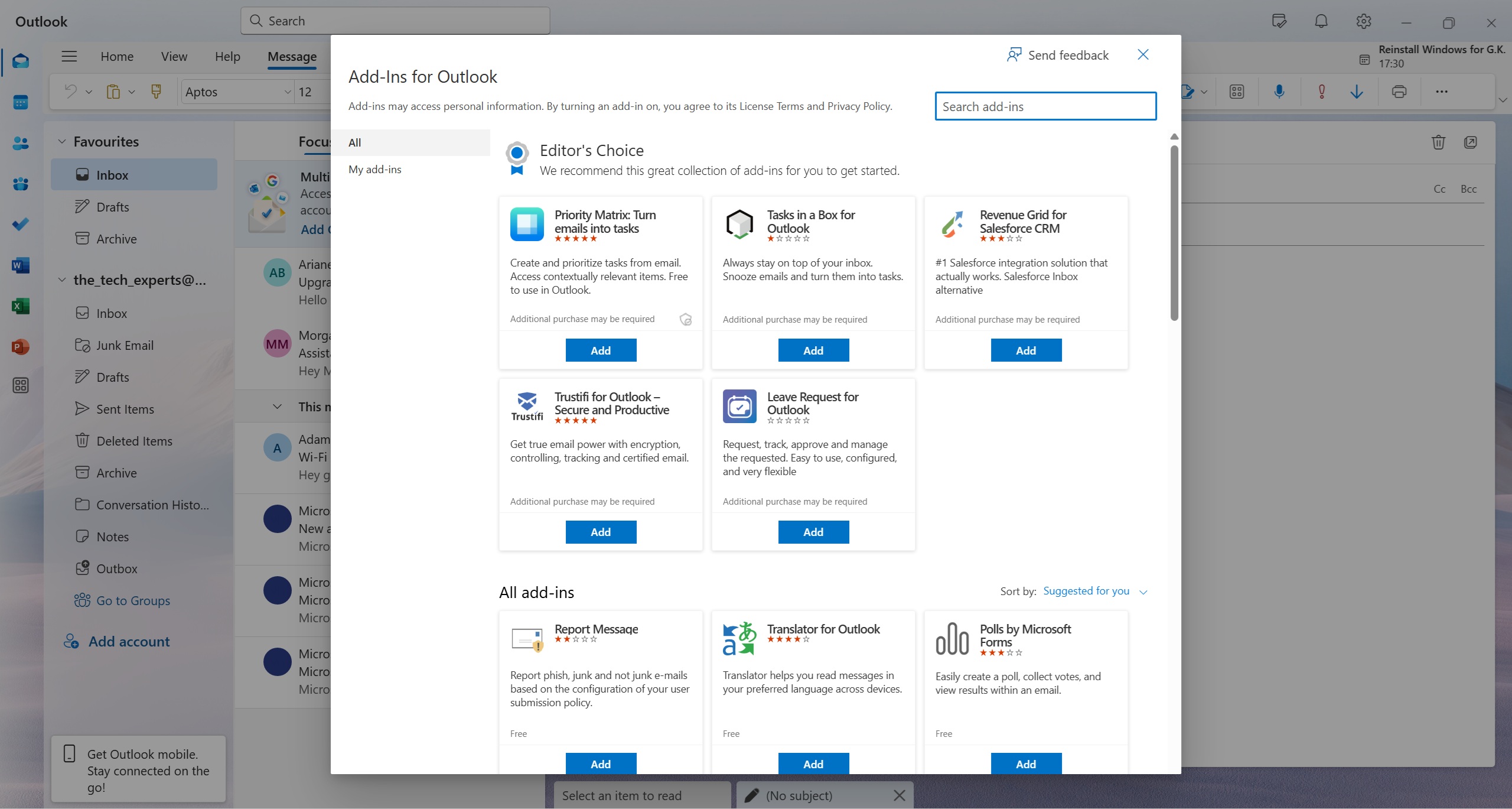 Add-ins for Outlook for Windows
Conclusion
Outlook for Windows is a widely used and trusted email client among both personal and professional users. A mainstay in homes and offices worldwide, Outlook has been an integral component in the Microsoft ecosystem, integrating email communication with productivity and information management tools.