 Mailbird is now available on Mac! Download today and try it for free.
LATEST NEWS: On October 21, 2024, Mailbird for Mac was launched globally, ushering in a new mutli-platform era for the app and the company.
Mailbird is a flexible and easy-to-use email client that promotes elegant simplicity and powerful functionality, including multi-account management from most email providers (such as Gmail and Outlook), unified inbox, customizable interface, third-party integrations, and a streamlined workflow directly from your inbox. With a clutter-free design and pleasant user experience, Mailbird has become the go-to email app for more than 4M users who trust it with their personal and professional email.
Who should use Mailbird?
Non-technical users who simply need an app to send and receive email, and don’t want power features they’ll never use cluttering up their inbox.
Small- to medium-size businesses and entrepreneurs who want to manage multiple personal and business email accounts in a centralized environment.
Freelancers and self-employed professionals who are often one-person-shows, having to manage a multitude of clients, projects, and issues themselves. Mailbird lets them organize and streamline their messages, apps, and workflow into a single, easy-to-use workspace.
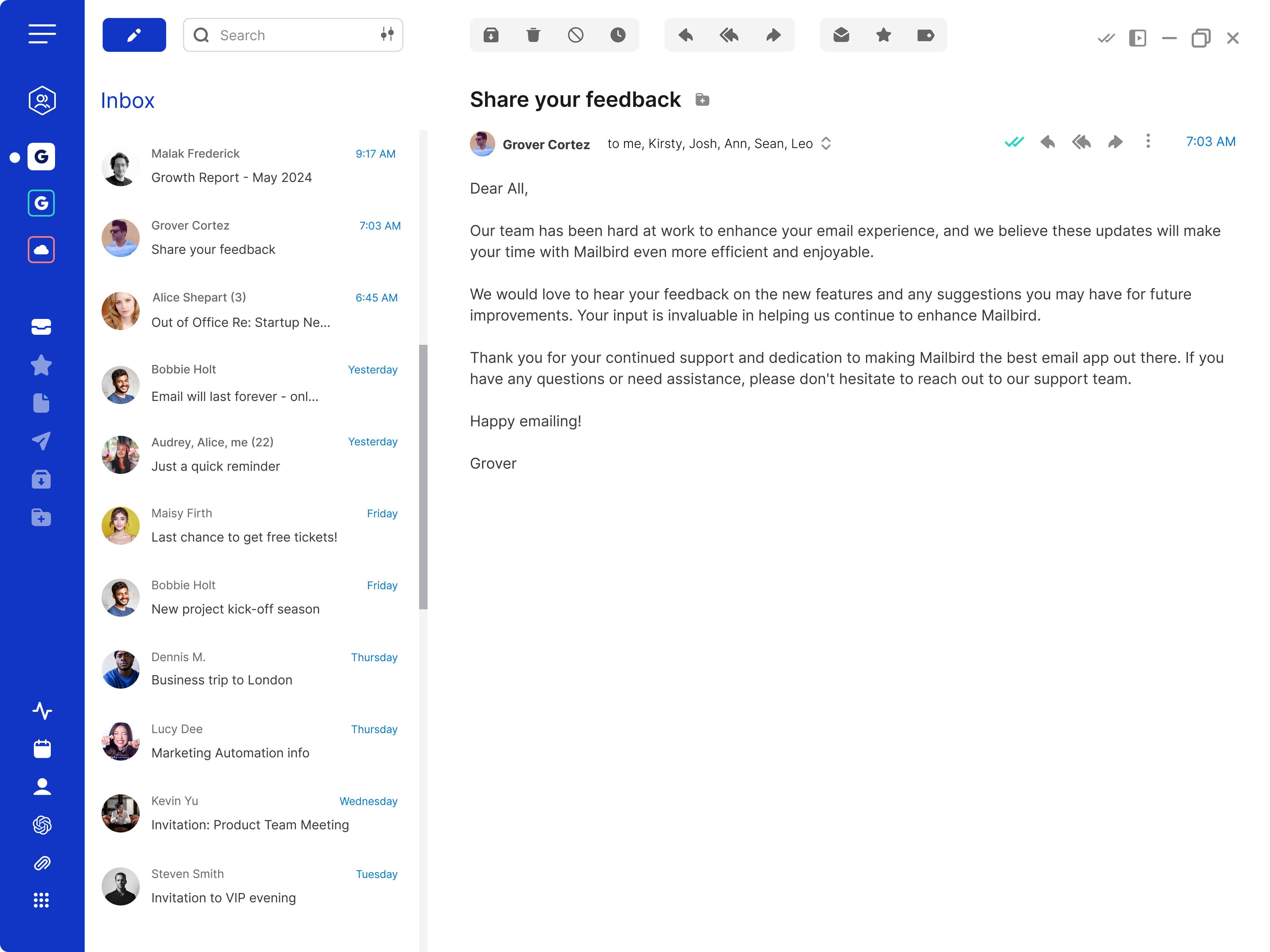 Mailbird inbox
Advantages of using Mailbird
Multi-account support and unified inbox: Users can sync and manage multiple email accounts from various email service providers in a centralized interface, simplifying email management and reducing clutter.
Customizability: Accommodates both feature simplicity and robustness. It’s up to you to decide what type of tool you want Mailbird to be and how you’d like to use it.
Third-party app integrations: Mailbird integrates seamlessly with a wide range of applications, including productivity tools like Slack, Google Calendar, and Dropbox, allowing users to manage tasks and communications from one platform.
Modern and clutter-free design: Mailbird’s clean and intuitive workspace lets users personalize their experience with customizable layouts, themes, colors, and backgrounds.
Advanced tools to keep power users happy: Mailbird includes advanced tools, such as AI-assisted email authoring, email template generation and management, advanced email signatures, speed reading, and advanced search.
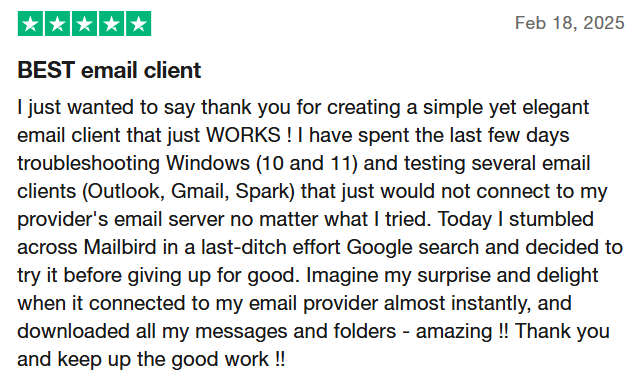 Limitations of Mailbird
No mobile app: There’s currently no native mobile application, which can be inconvenient for users who want to manage their email while on the go.
No email or live support in Free version: Currently, Mailbird only offers Knowledge Base access and forum-based Community Support in its Free version.
Mac version too basic: Although meeting the needs of many Mac users, some power users mentioned that Mailbird for Mac is lacking advanced features they consider essential to their workflow.
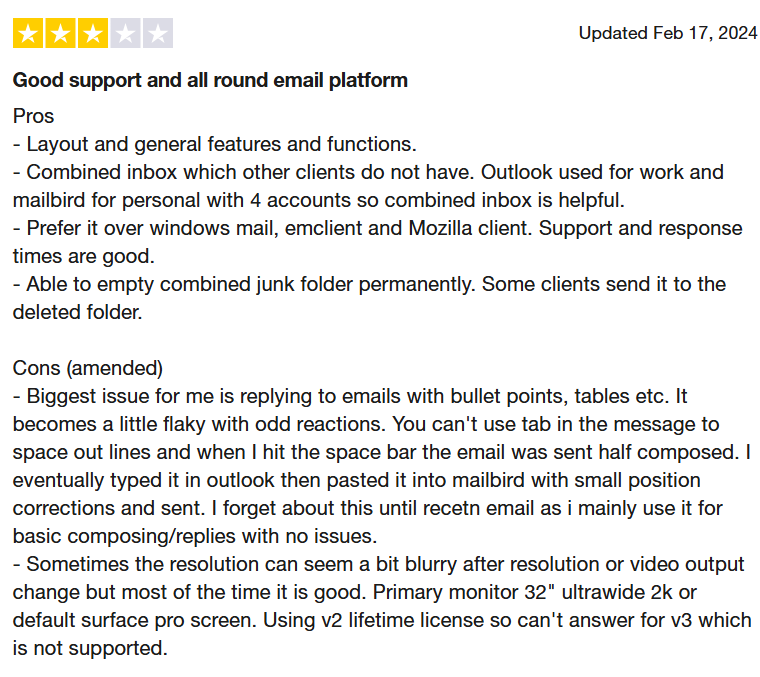 Key features of Mailbird
Operating system | WindowsMacOS |
Versions | Free Premium |
Price(s) |
|
Notable features |
|
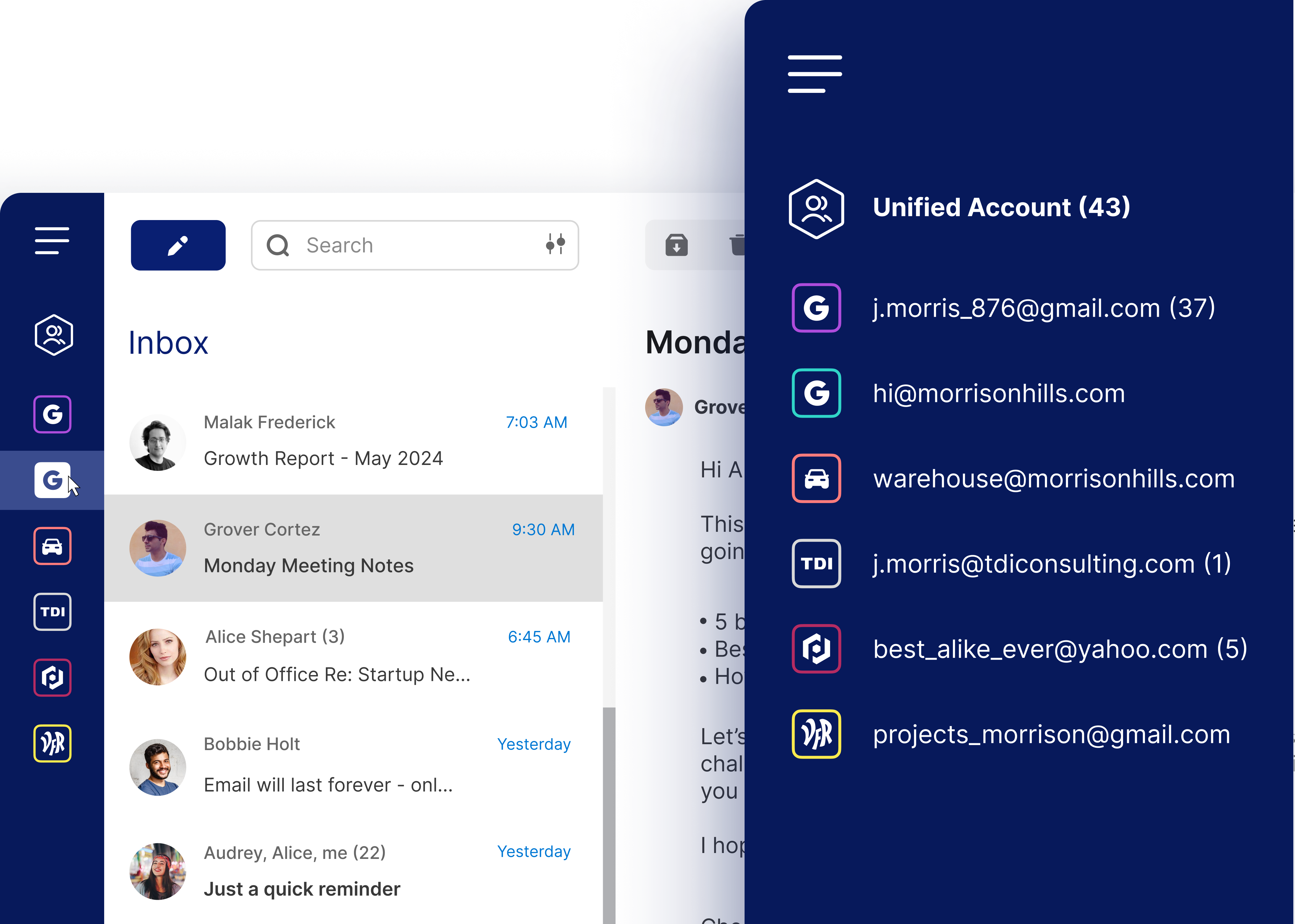 Mailbird's unified accounts
Conclusion
Users are given the flexibility to make Mailbird as simple or robust as they want—from a simple email client to a centralized productivity workspace. With its multi-account management, unified inbox, third-party app integrations, and modern design, Mailbird is a solid choice for users who spend a lot of time in their inbox.