 Mailbird is now available on Mac! Download today and try it for free.
Spark is an email client that transforms how you interact with your inbox, helping you eliminate email clutter, minimize distractions, and stay organized. With its Smart Inbox and Gatekeeper features, Spark aims to ease email management and prevent unwanted senders from taking over your inbox. Its Premium version offers advanced tools, such as AI-powered assistance and team collaboration.
Who should use Spark?
Freelancers who need to handle multiple email accounts for their personal and professional communications.
Teams looking for collaborative features, such as shared drafts and delegation.
Productivity-focused users who want AI-powered email assistance and automated email prioritization.
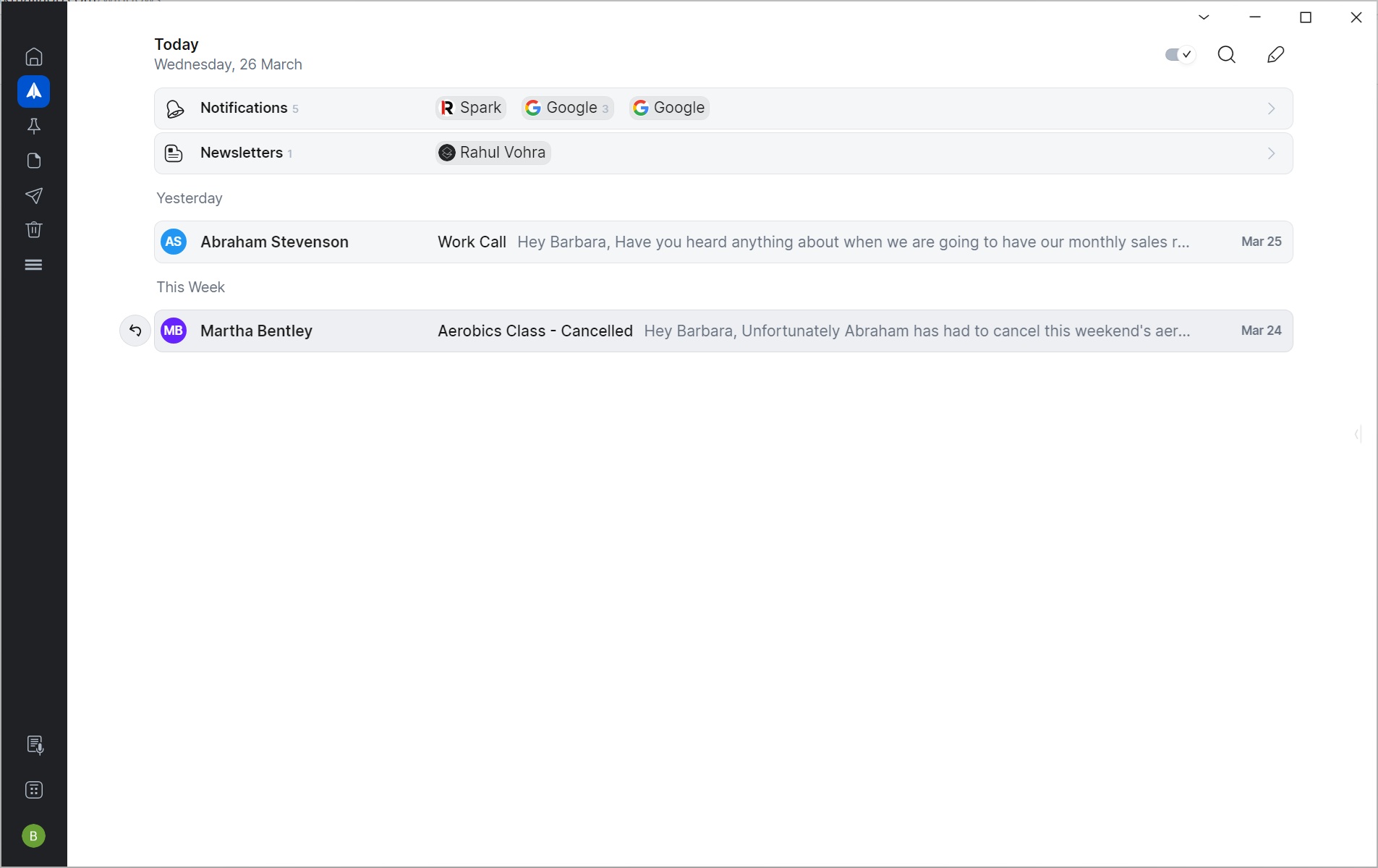 Spark inbox
Advantages of using Spark
Clean inbox: Smart Inbox automatically sorts priority messages, newsletters, and notifications. Gatekeeper screens and blocks unwanted senders.
Collaboration features: Shared inbox and drafts, team commenting, and task assignments allow teams to collaborate directly from their email workspace.
Free version: Users can fulfill much of their daily emailing needs with Spark Free. There's an option for advanced features in the paid Premium version.
 Limitations of Spark
Forces a new email paradigm: Spark tries to change the way users interact with their email, forcing them to view their inbox the way the app wants them to view it.
Smart features take time: Spark includes many smart tools to automate email management, but the app's initial “learning” period can take some time before it becomes truly useful.
Message bundling inaccurate: Initial smart bundling of messages in your inbox may be inaccurate, requiring you to manually adjust them.
 Key features of Spark
Operating system | Windows macOS iOS Android |
Versions | Free Premium Individual Premium Teams |
Price(s) |
|
Notable features |
|
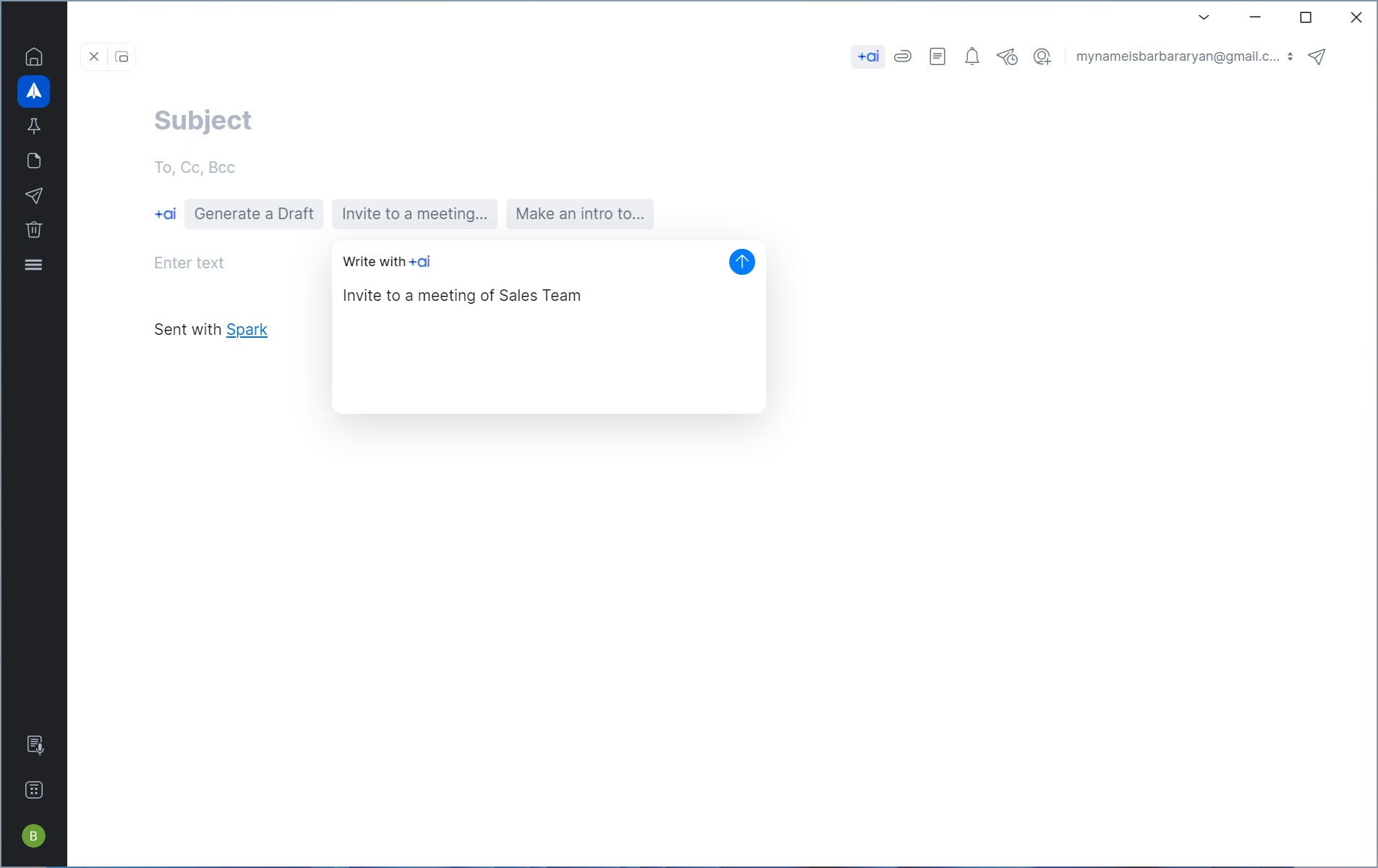 Spark's AI-assisted email authoring
Conclusion
Spark transforms the traditional inbox and aims to help users view email in a new way, combining email and productivity into a single tool. However, not everyone's willing to adapt to this new paradigm. Some users simply want a hassle-free email experience. But if you’re open to trying something new with your email and are prepared to overcome the app’s initial “learning period”, Spark may be the tool for you.