 Mailbird is now available on Mac! Download today and try it for free.
Mailspring (formerly known as Nylas Mail) is an open-source email client that supports multiple accounts. Available in Free and Pro versions, Mailspring offers both basic and advanced features suitable for student, personal, and professional users.
Who should use Mailspring?
Casual, budget-conscious users who only need basic email features.
Professional users who can extend Mailspring's features with a Pro version that offers professional and business tools.
Marketing and communications professionals who can take advantage of Mailspring’s activity tracking capabilities (e.g., viewing open rates and link clicks).
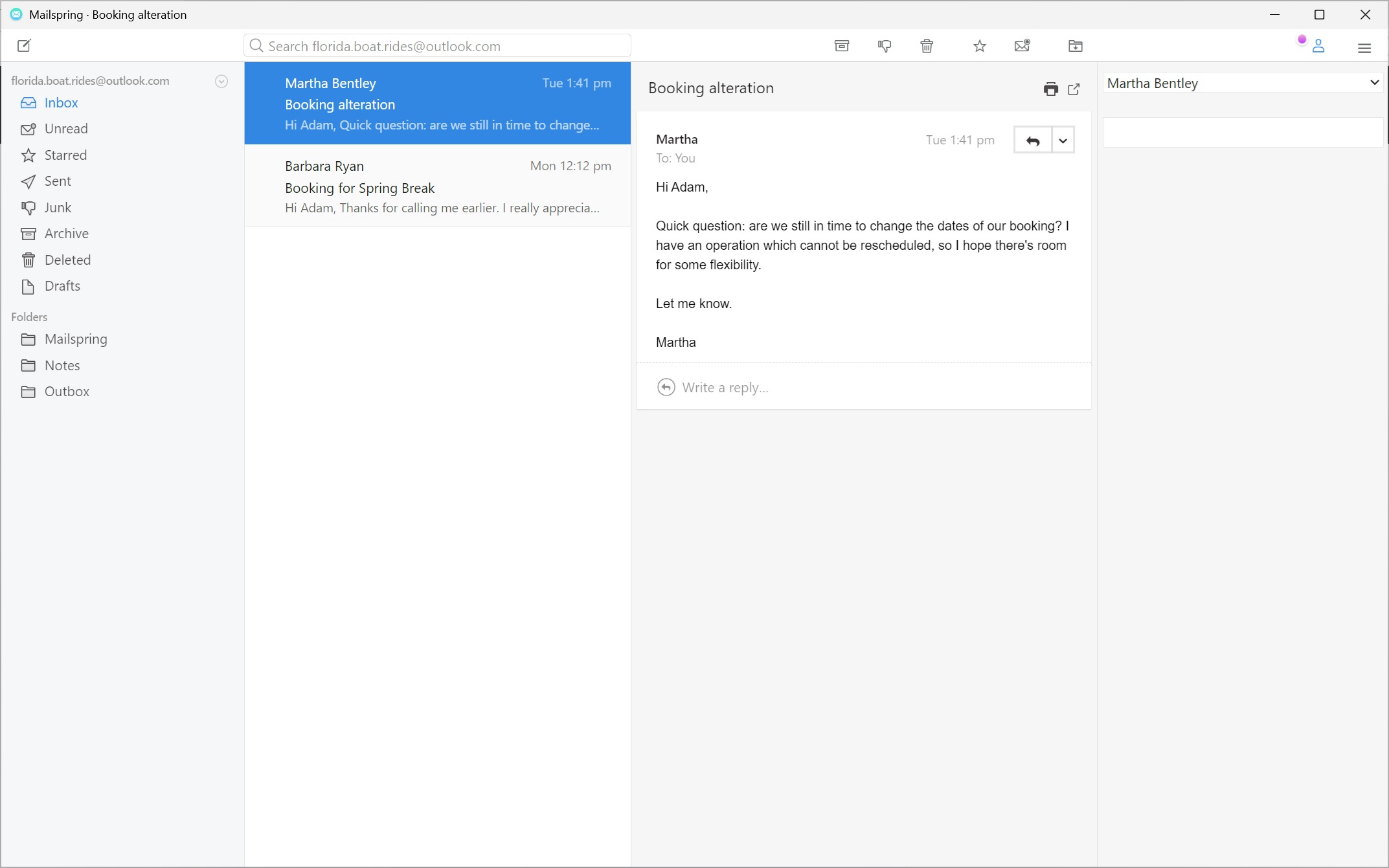 Mailspring inbox
Advantages of using Mailspring
Free version: The free version of Mailspring offers many essential features that will meet the needs of casual users.
Cross-platform: Available on Windows, Mac, and Linux.
Open source: Based on community contributions, Mailspring offers greater transparency and user-driven software direction than commercial counterparts.
 Limitations of Mailspring
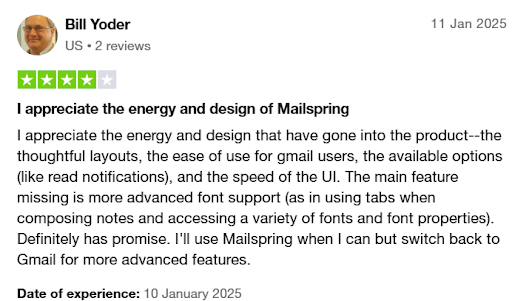
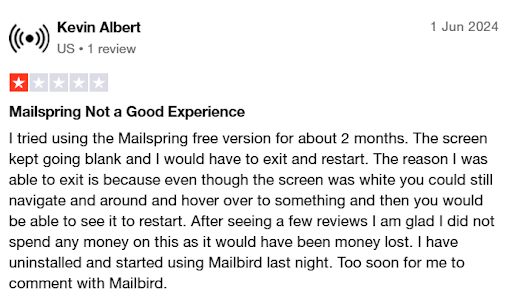
Problems syncing: Some users have reported frequent syncing problems, which can potentially lead to missed messages.
Lack of customer/technical support: As a community-driven effort, Mailspring lacks a support infrastructure. Users have repeatedly expressed frustration over their inability to get answers to issues or bug reports.
Stability issues: Users have complained that the app suffers from unaddressed bugs and system crashes.
 Key features of Mailspring
Operating system | WindowsmacOSLinux |
Versions | Free Pro |
Price(s) |
|
Notable features |
|
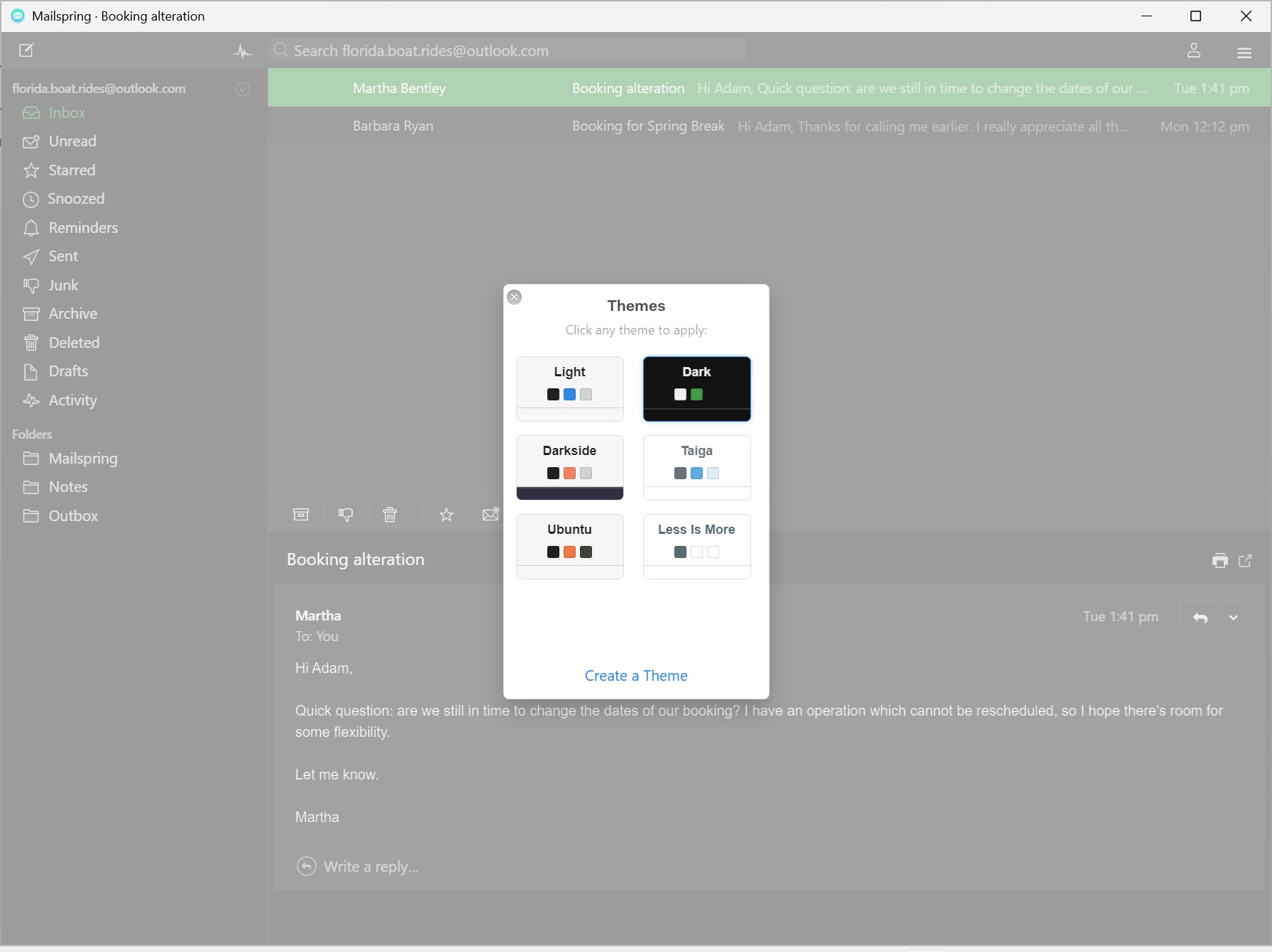 Mailspring theme customization
Conclusion
Mailspring offers uncomplicated Free and Pro versions, with many basic and advanced features to satisfy both personal and professional users. However, with the lack of true customer and technical support, synching issues, and system crashes, those who view their email as a mission critical part of their day might want to look elsewhere.