 Mailbird is now available on Mac! Download today and try it for free.
eM Client sets itself apart as one of the most customizable email clients available. You can personalize not only the user interface (with a flexible layout and dozens of themes), but also the way the app handles email. Available for Windows, macOS, and most recently, Android and iOS, eM Client is suitable for professional and personal users who want complete control over every aspect of their email experience.
Who should use eM Client?
Customization junkies who enjoy personalizing every aspect of their user interface and email handling.
IT professionals who can take advantage of remote administration and centralized user settings management.
Teams requiring seamless real-time communication and collaboration will appreciate the integrated chat and support for online meetings.
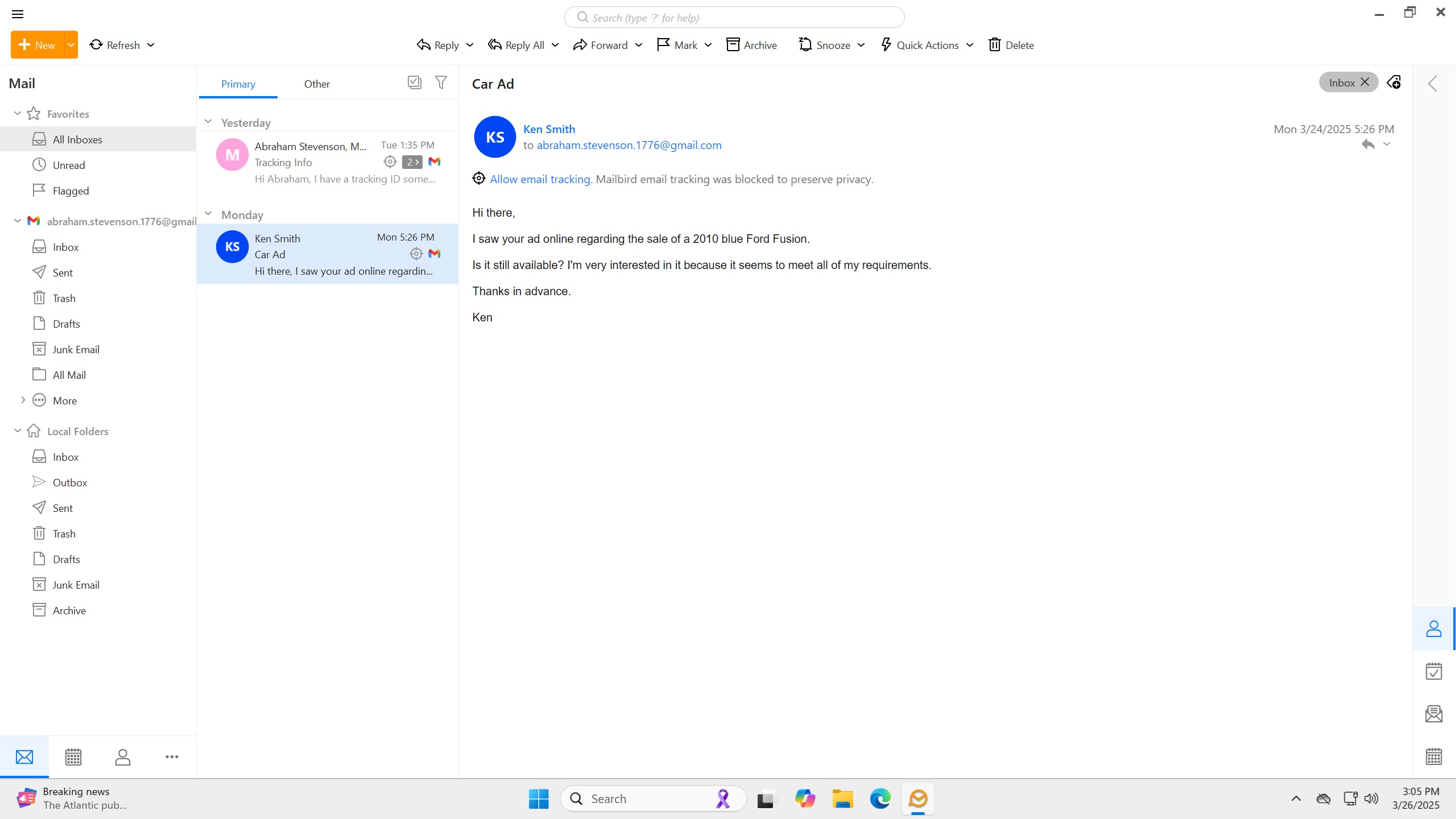 emClient inbox
Advantages of using eM Client
Highly customizable: From themes to user interface to email management, eM Client gives you full control over almost every aspect of your email workspace.
Unique features: Includes advanced features such as instant email translations, Forward as Original, Watch for Reply, and powerful search tools.
Caters to teams and online collaboration: Includes integrated multi-chat capabilities and integrates with popular online meeting apps, such as MS-Teams and Zoom.
 Limitations of eM Client
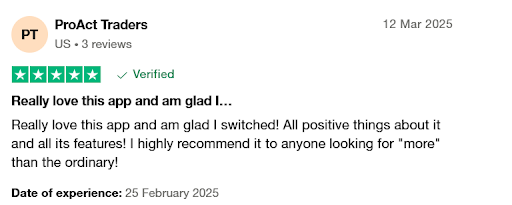
Might be too customizable: As much as this can be a pro, it can also be a con, taking you considerable time to configure everything the way you want it.
Lack of response from support staff: Reports from users indicate slow and/or unresponsive customer and technical support, especially among free users.
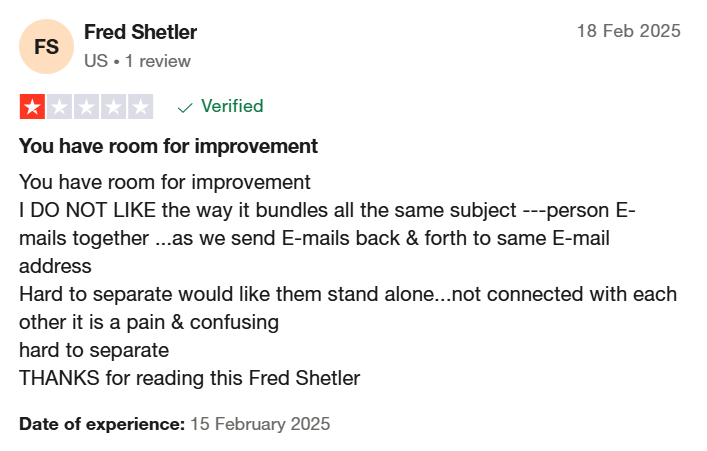
Performance problems: Users have reported reliability concerns, including the app and/or their computer freezing; lagging when sending, receiving, or viewing messages; and inbox synchronization delays.
 Key features of eM Client
Operating system | WindowsmacOSAndroidiOS |
Versions | Free Personal Business |
Price(s) |
|
Notable features |
|
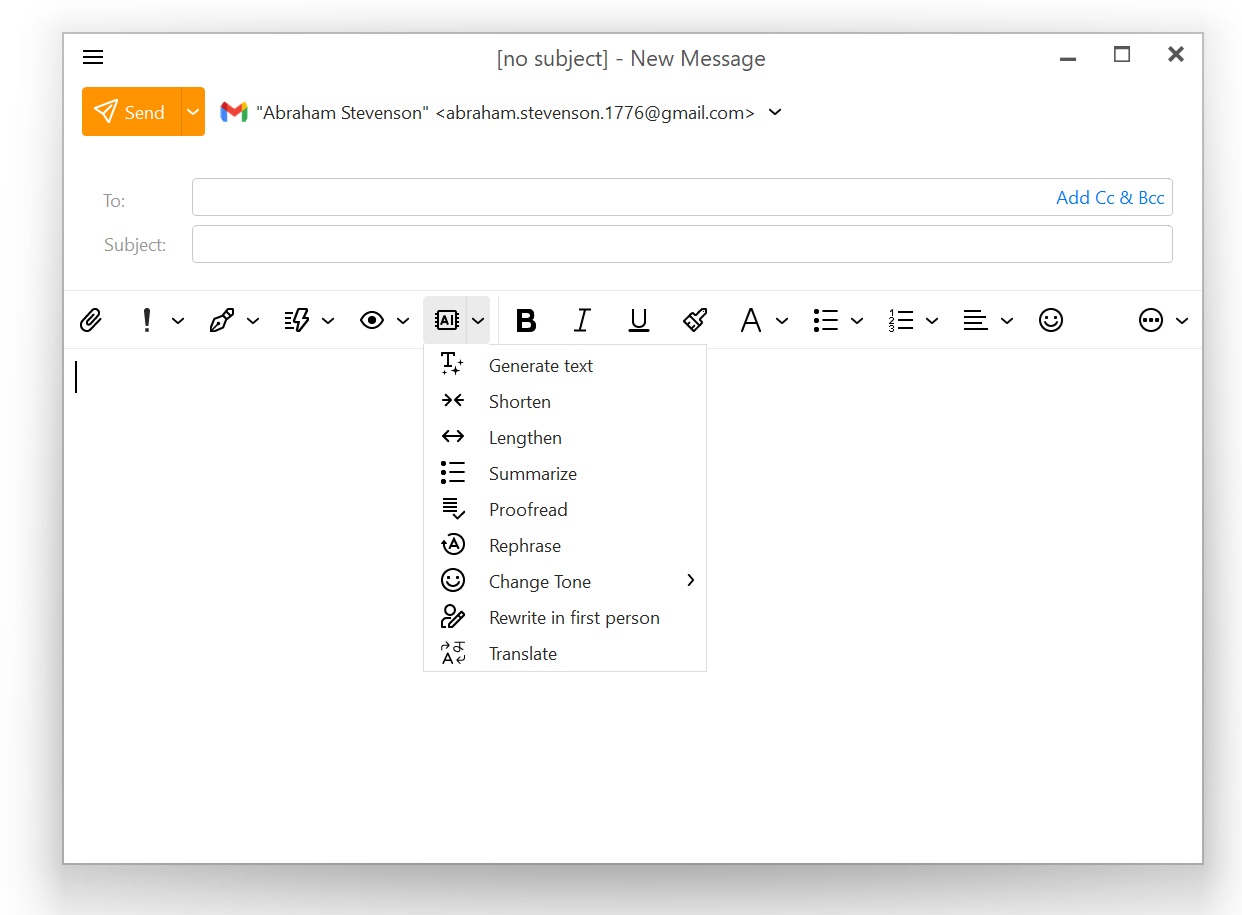 emClient's compose window with AI tools
Conclusion
eM Client is recognized as an effective alternative to traditional email clients like Microsoft Outlook. Its combination of email management and productivity tools makes it suitable for both personal and business users—especially those who appreciate, and don't mind configuring, its highly customizable workspace.